
Hello there!
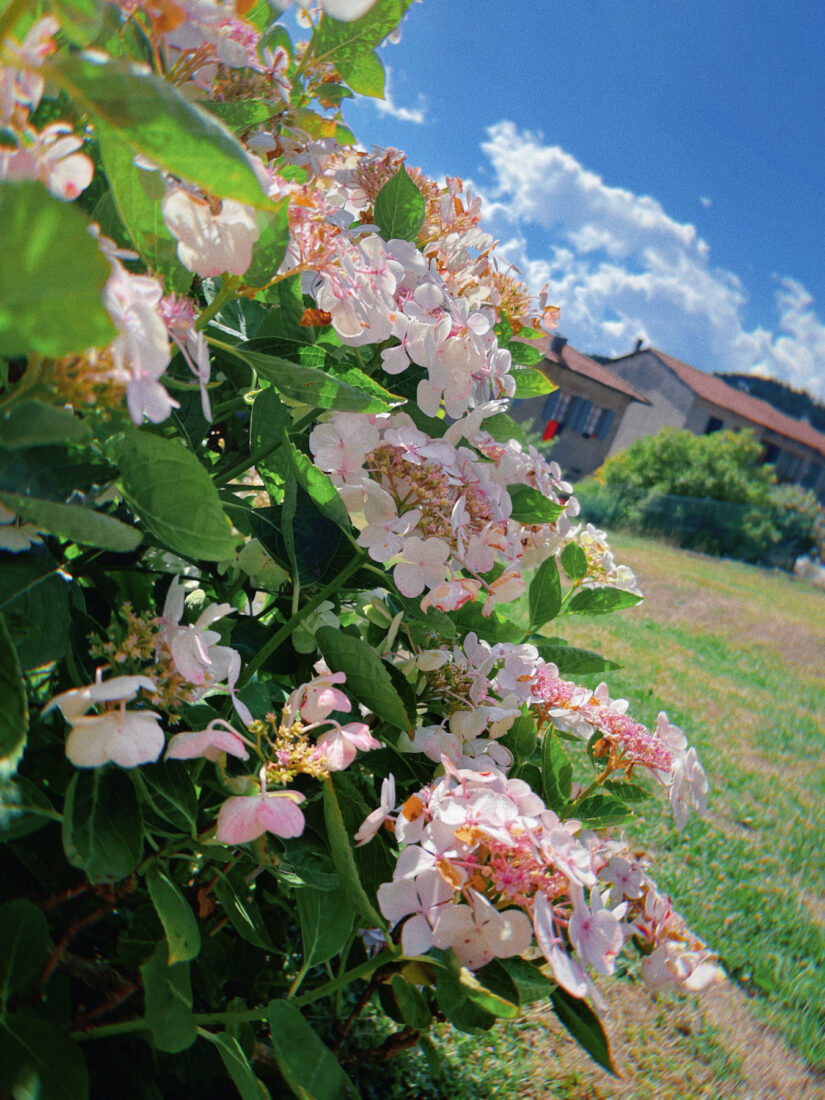
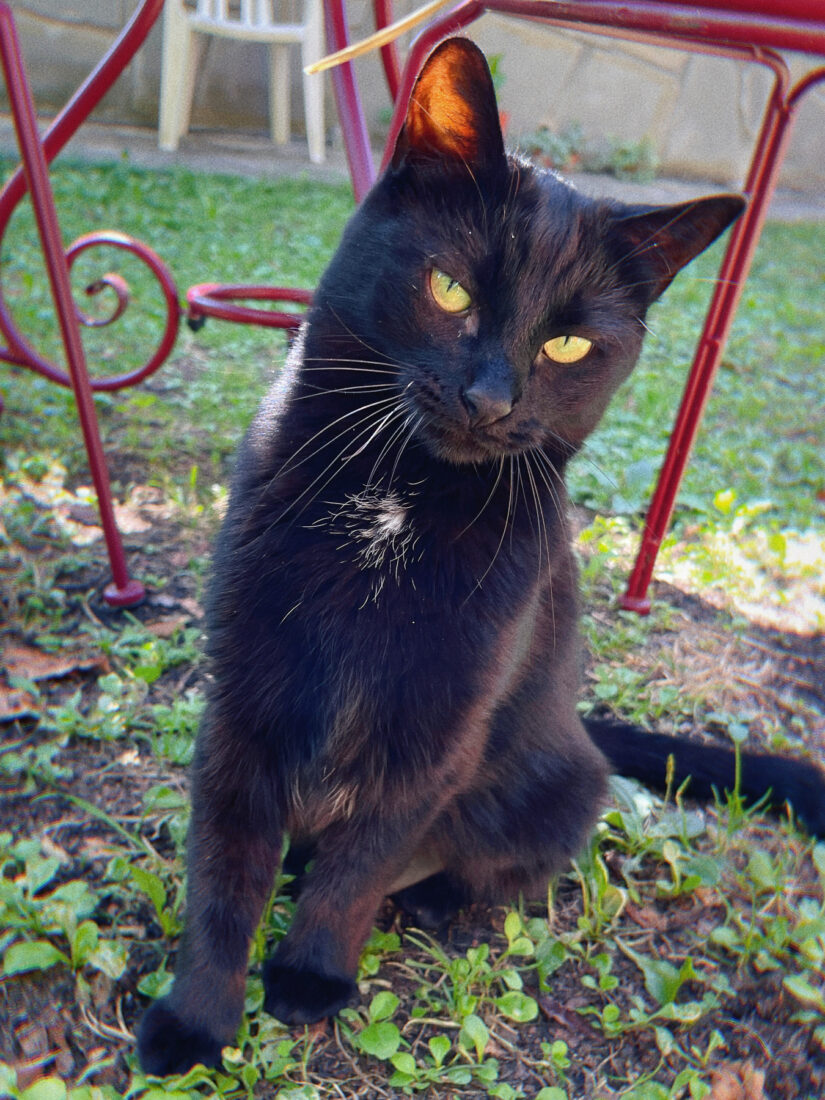
Hope you’re doing well and enjoying the summer, or at least surviving the heat if you’re somewhere hotter than me…! ☀️ Here, the summer’s been surprisingly chill so far, which is a nice change since I usually can’t stand the heat. The milder temps have made it way easier to hang out in the garden, and I’ve been taking full advantage by drawing outside whenever I get the chance, with the company of my cat Futaba, of course! ❤️
Recent Artwork
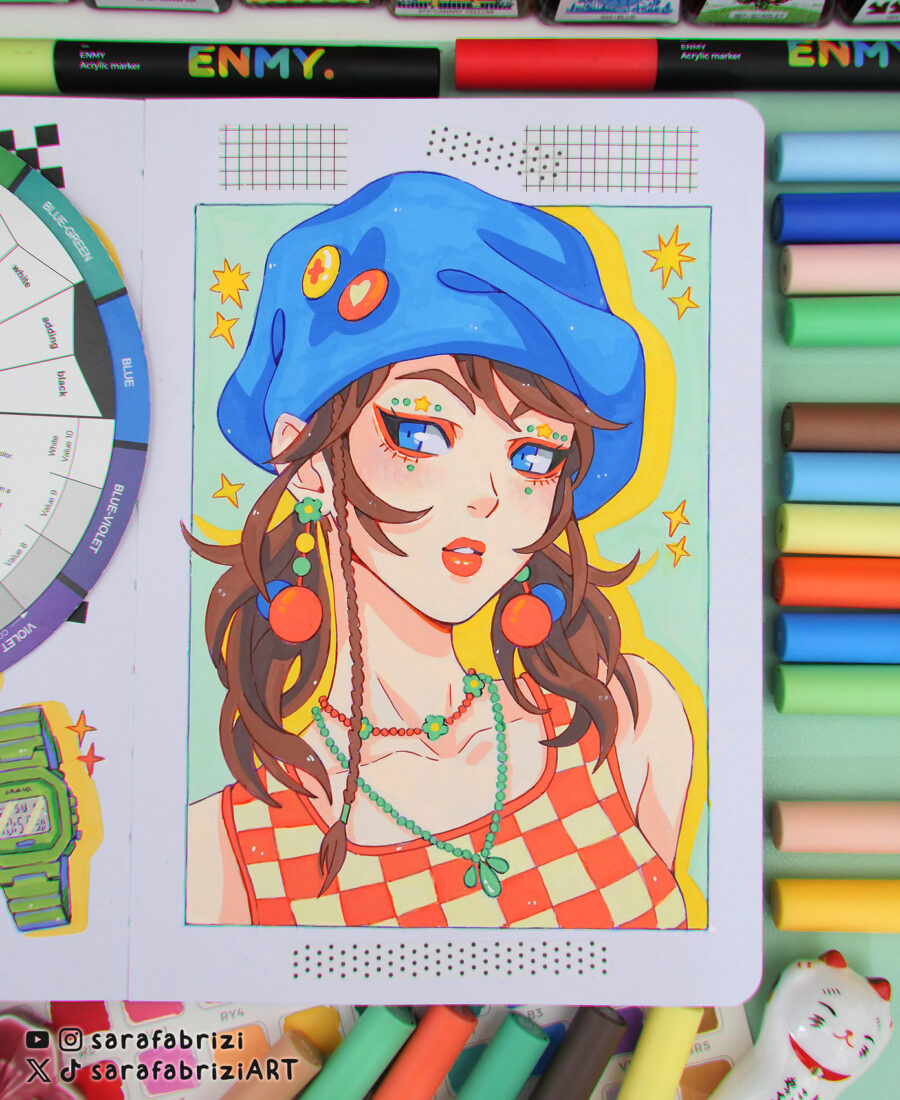
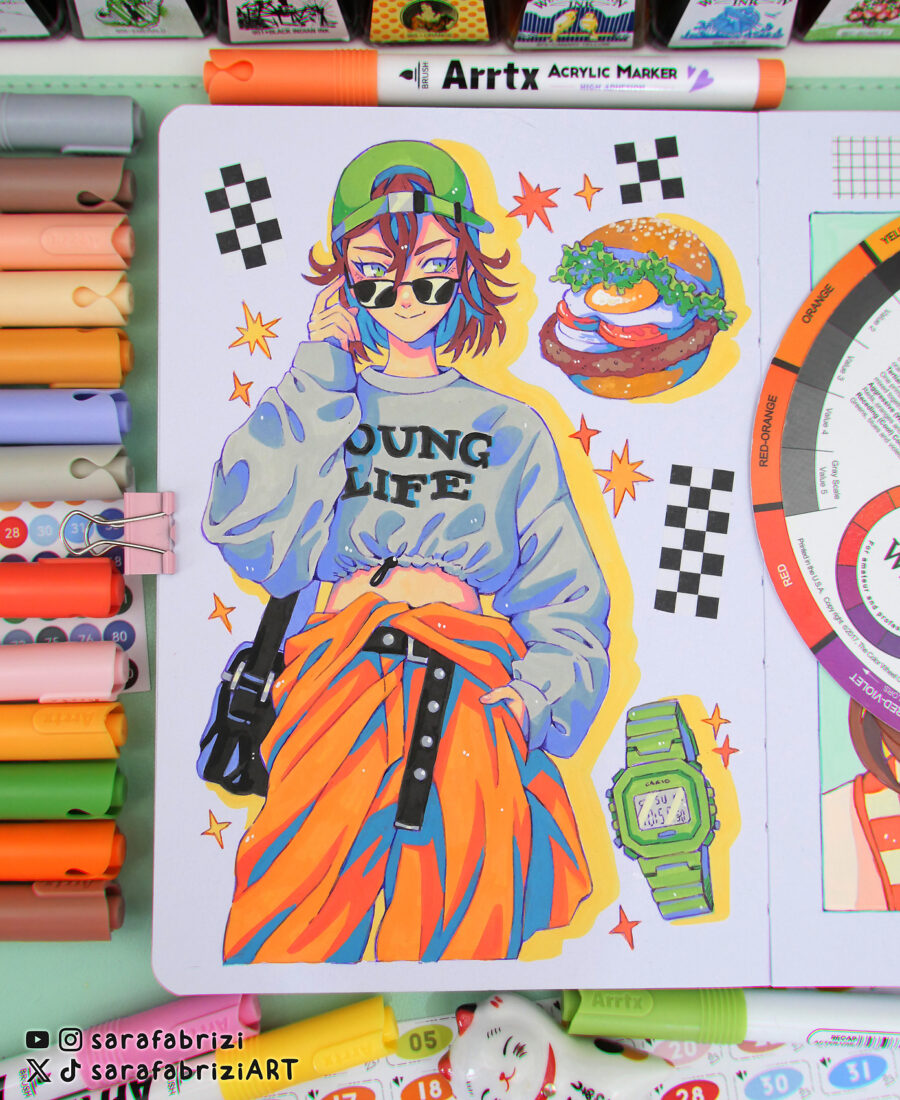
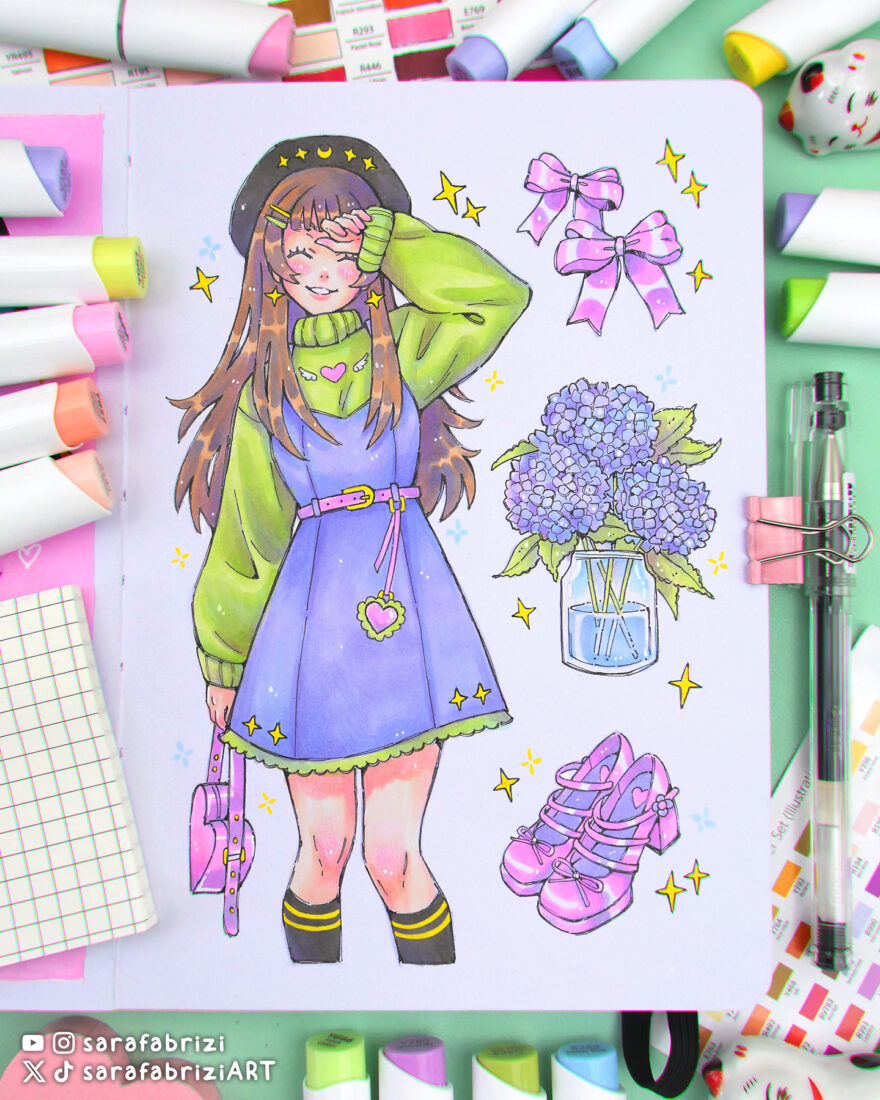
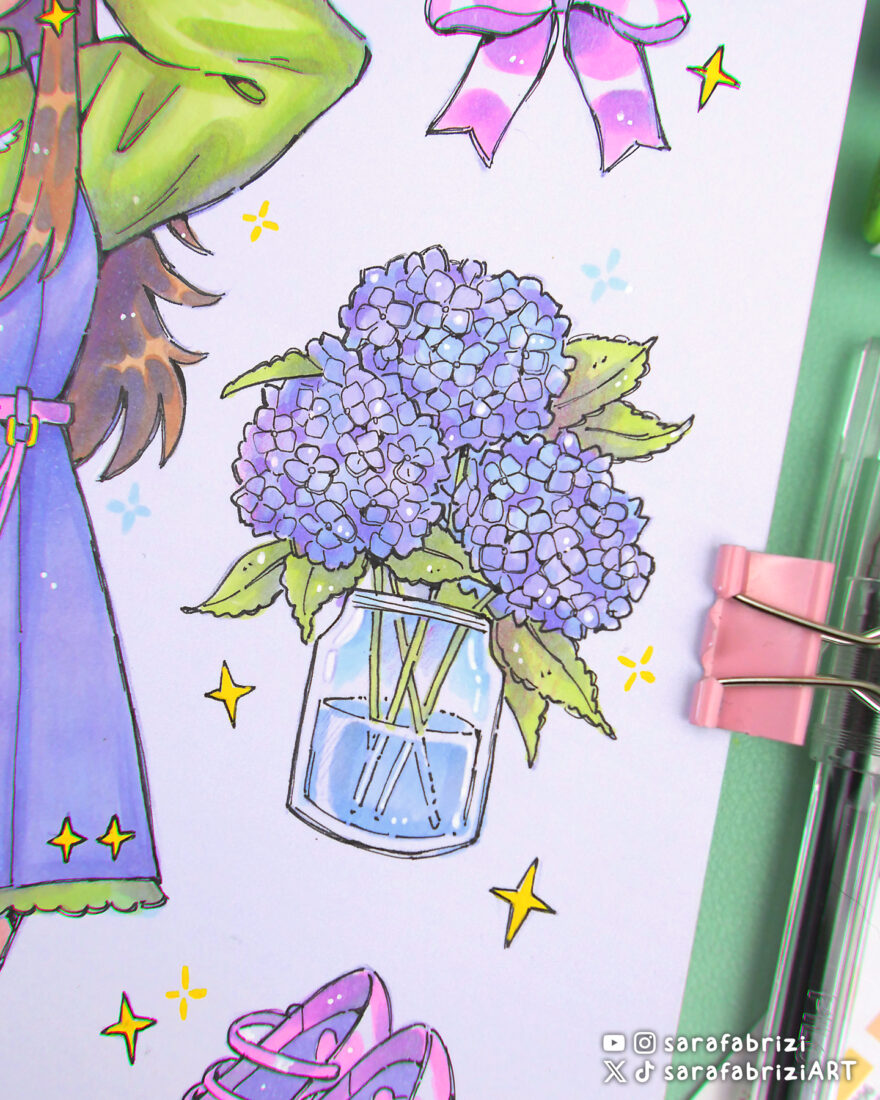
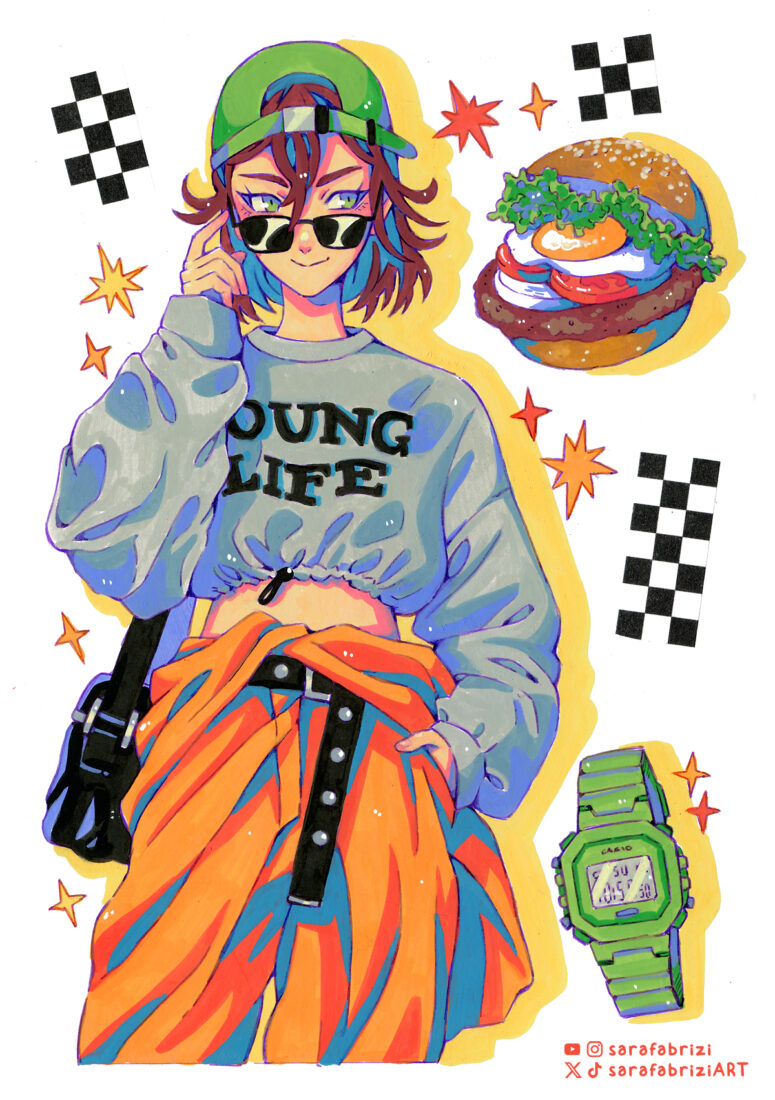
Here’s a look at some of the latest drawings I’ve been working on recently. I hope you enjoy this little gallery of my recent creations!


New Videos
I’ve recently posted two new videos on my YouTube channel: in the first one I test a new set of alcohol markers by Ohuhu, and in the second I share a few simple tips for blending with acrylic paint markers.
How I Find Inspiration
Many of you have asked how I come up with ideas for my sketchbook pages, so I thought it’d be nice to share a bit about my creative process!
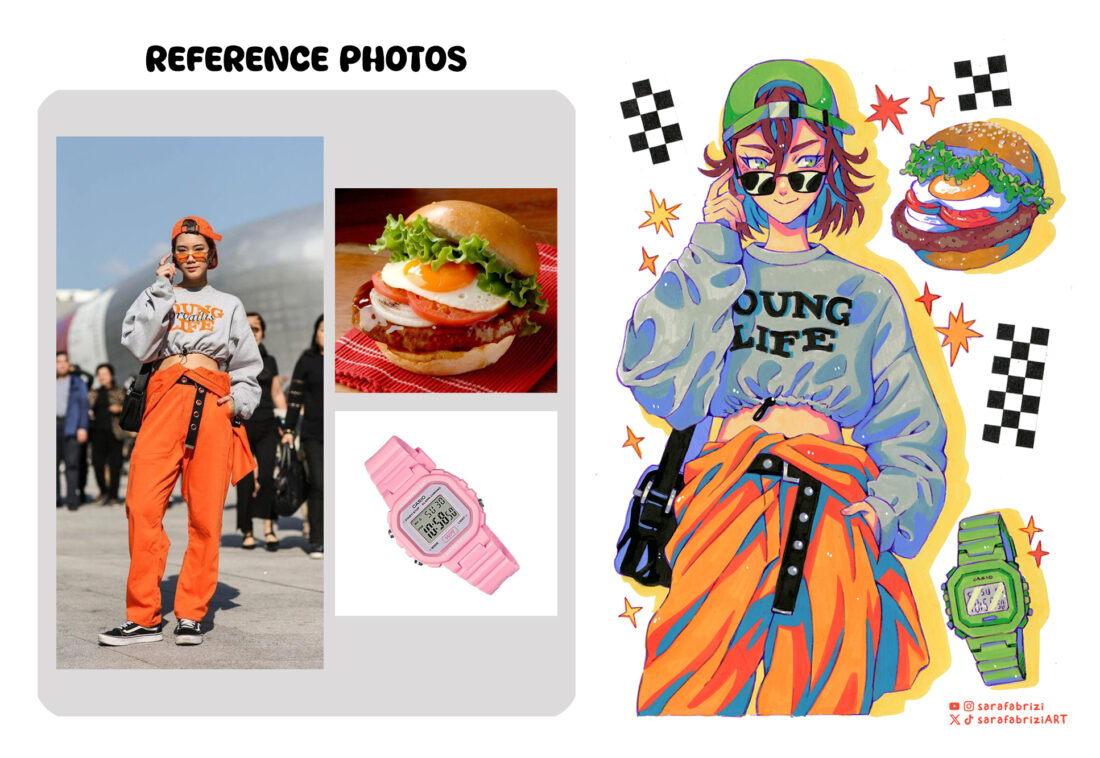
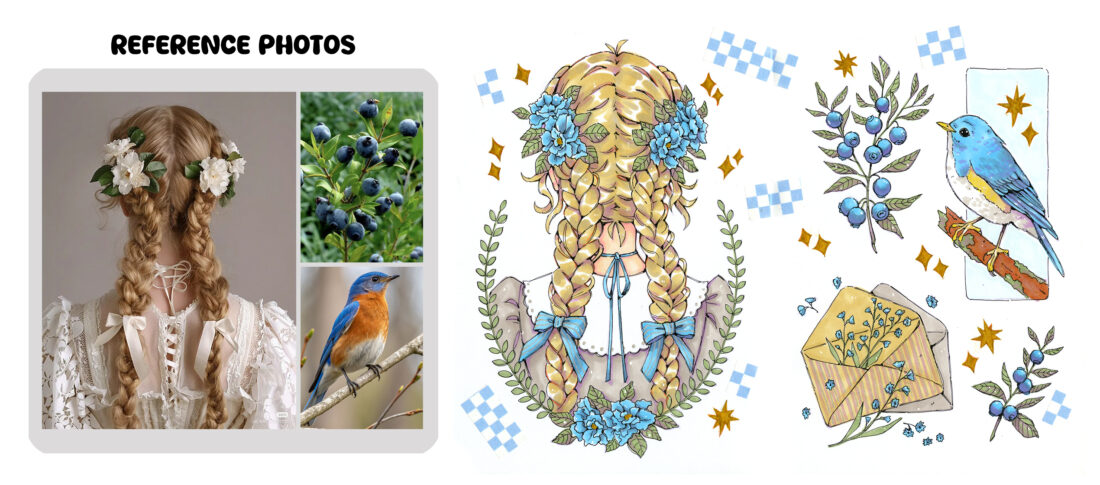
It usually starts with me browsing through sites like Pinterest and Same.energy, where I collect photos, illustrations, or images that catch my eye or spark a thought like, “hey, this could be fun to draw!” I don’t copy them directly, but I use these references as a starting point—a sort of visual brainstorming.
Once I have a bunch of references saved, I look for ways to reinterpret them in my own style, mixing and matching different elements, colors, and moods. The goal is to make everything feel balanced and harmonious, like each piece belongs together in one cohesive spread. Sometimes I add imaginary details or tweak the composition to better fit the story or vibe I want to convey.
To keep all my references organized and visually accessible, I use a few handy tools. On desktop, I like Milanote, a web-based app where you can create boards to collect and arrange your images, it’s super useful for keeping everything in one place. PureRef is another favorite, great for quickly arranging and viewing your reference images without distractions. For iPad, I use VizRef, which lets me create neat reference boards right on my device, perfect for working on the go.
To give you a clearer picture, I’ll share some examples showing the original reference images alongside my finished drawings:
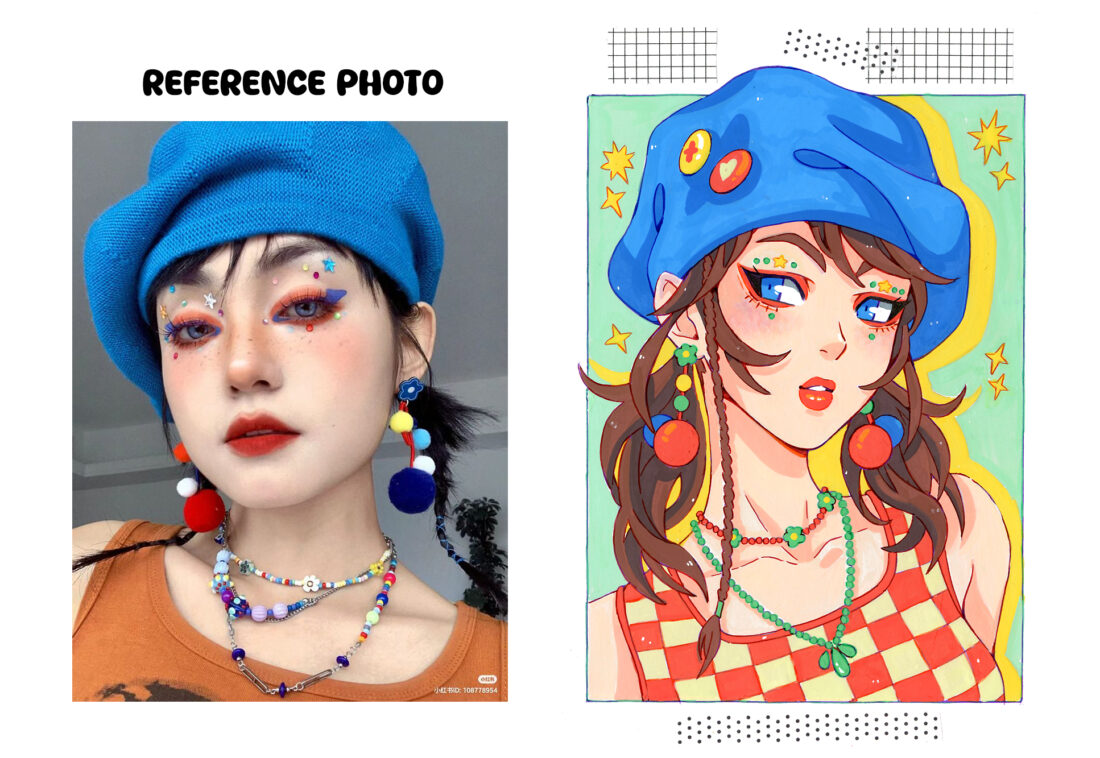
Hopefully, seeing this process helps you understand how to take inspiration and make it your own. If you’re looking for ways to kickstart your creativity or want ideas for your own sketchbook, I hope this can be useful!
New in the Shop
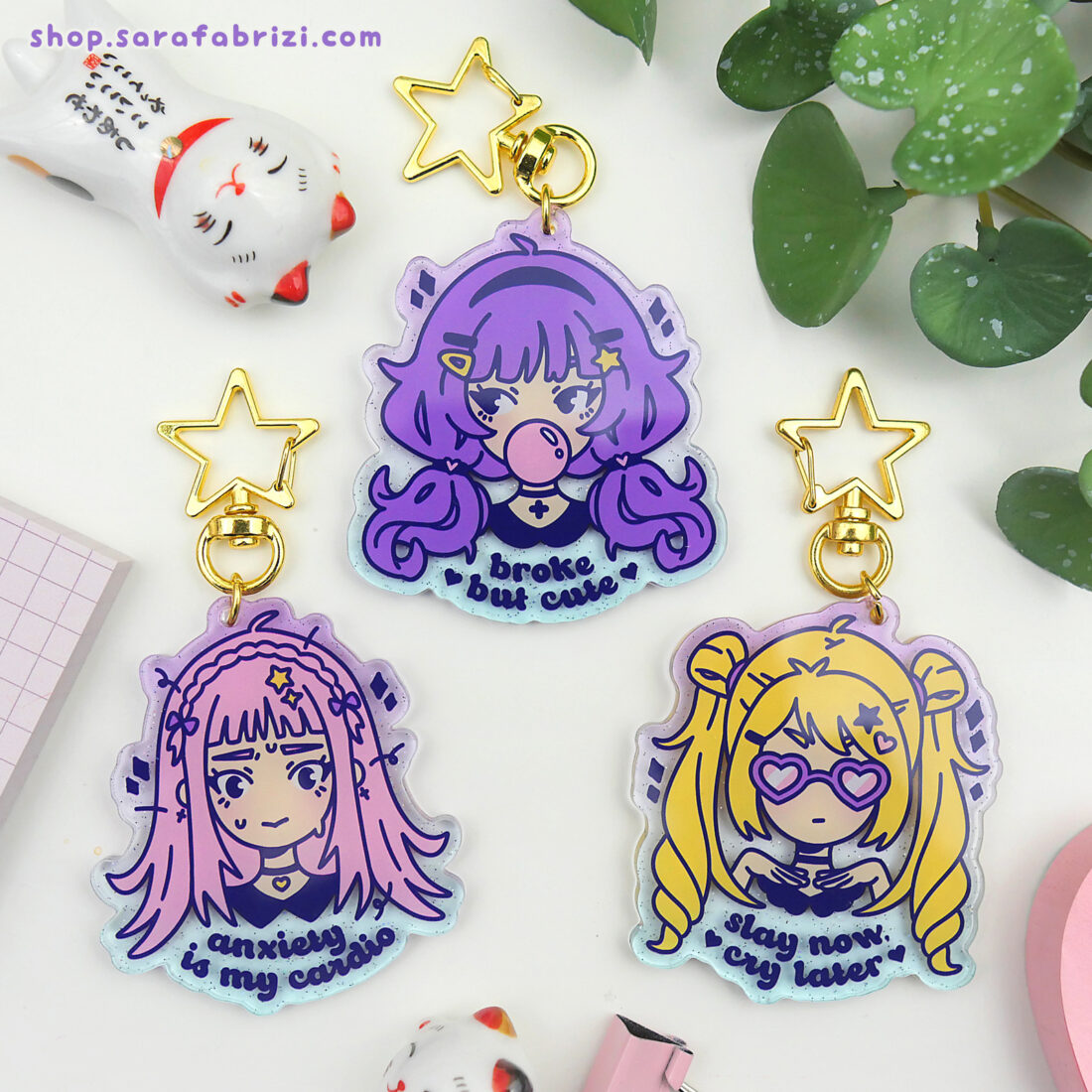
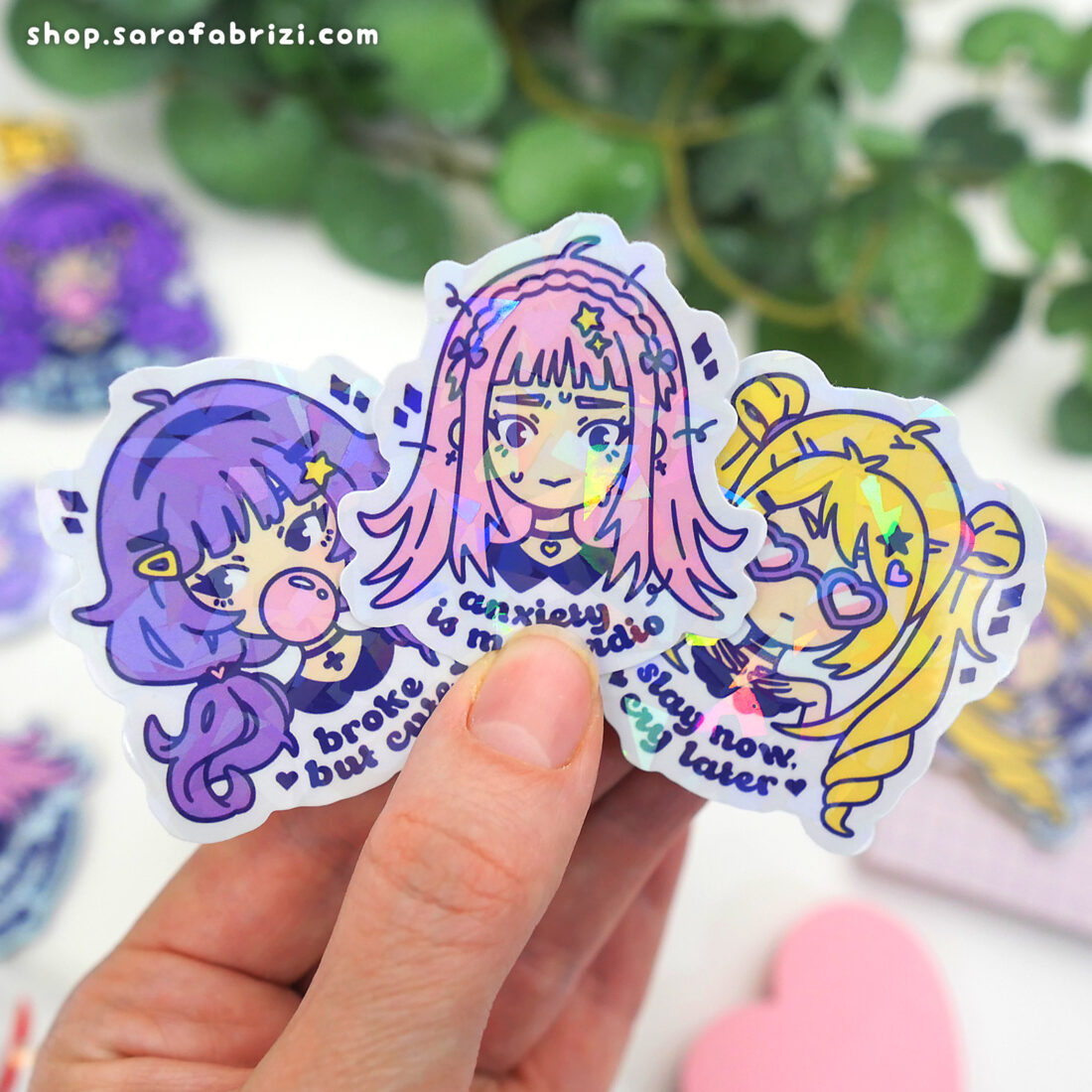
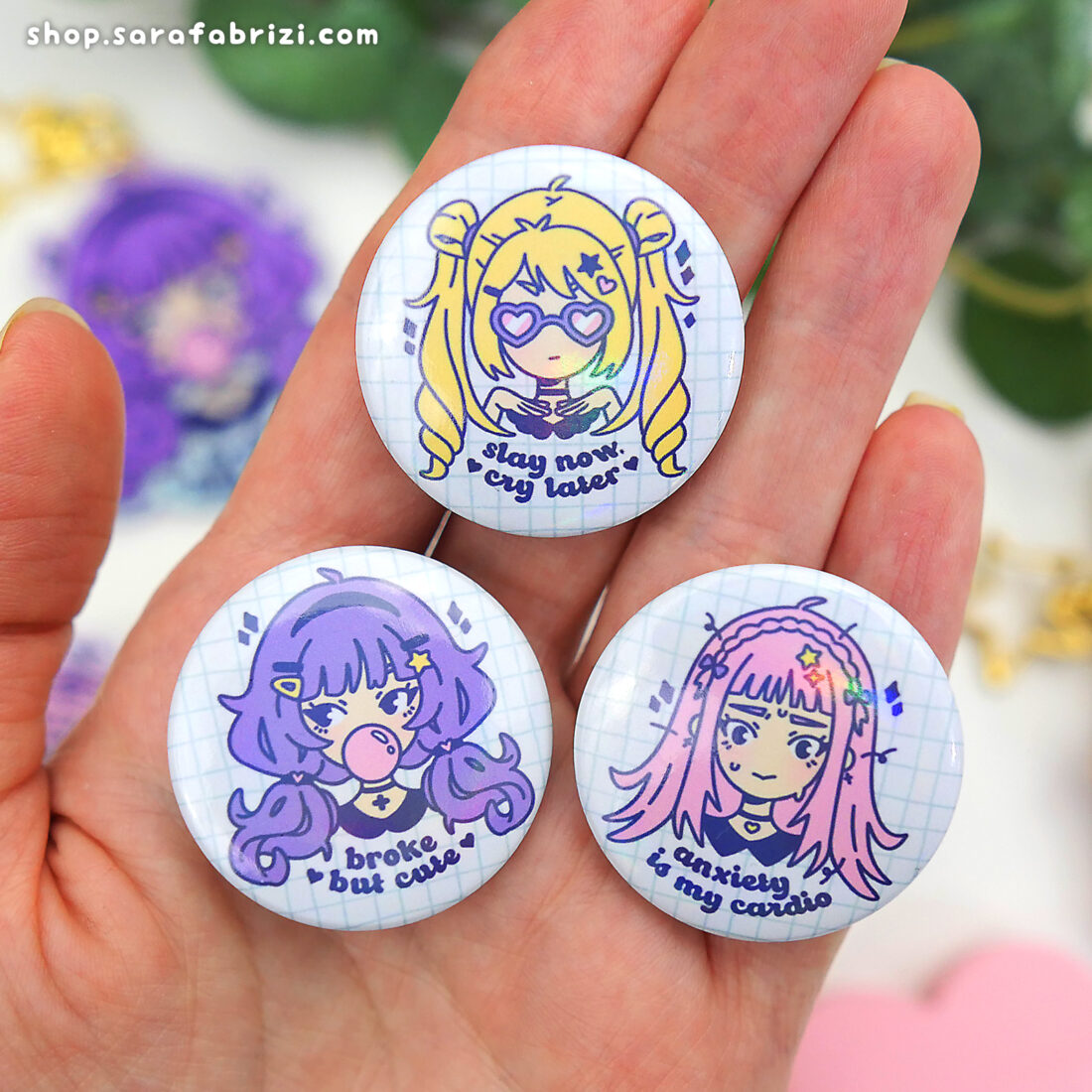
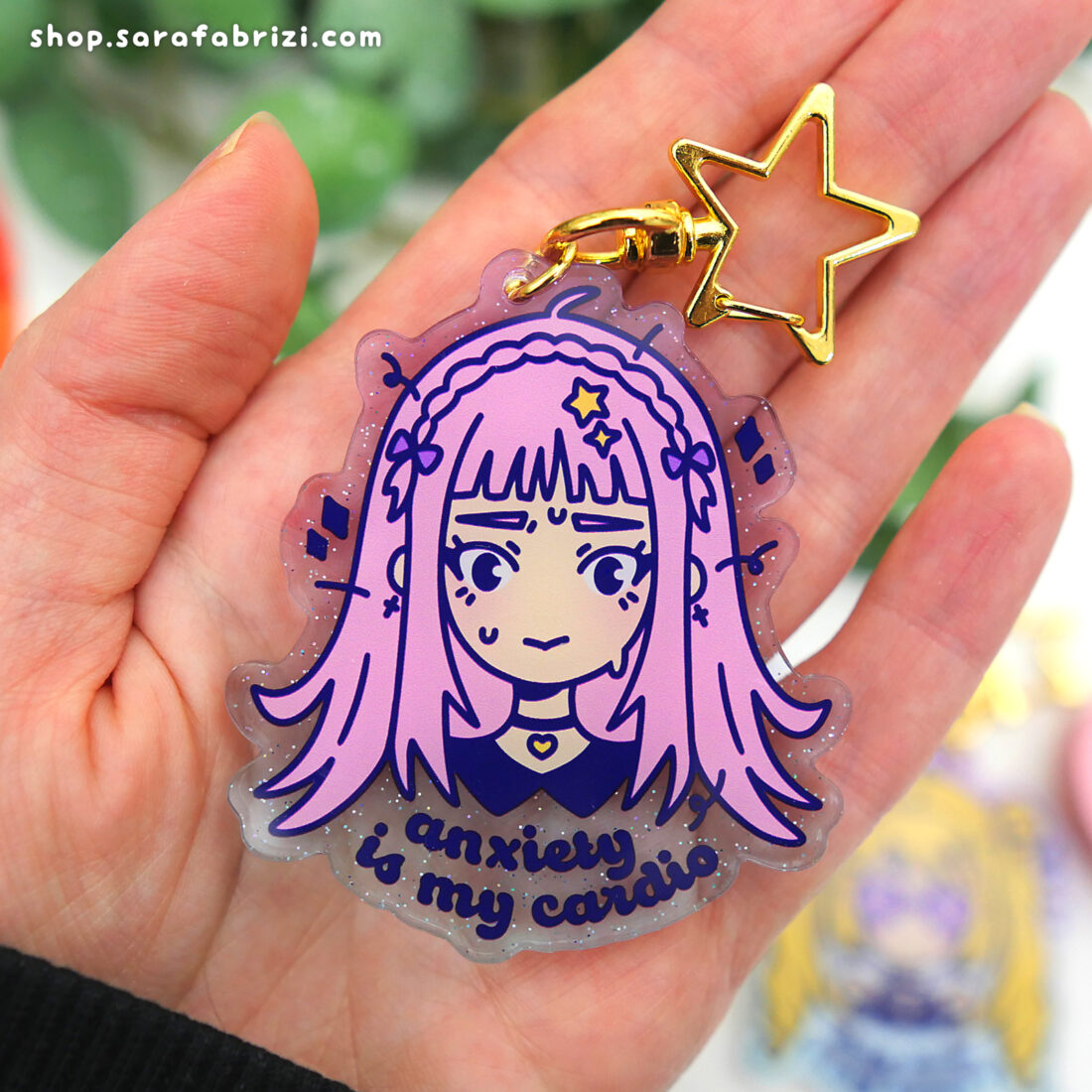
There’s a new addition in my shop: the Moodies ✨ A little collection of pins, stickers and keycharms inspired by the moods we all know (and maybe feel way too often)! Cute, pastel, mildly relatable — they’re here to keep you company on your bag, jacket or sketchbook.
Exclusive Content for You!
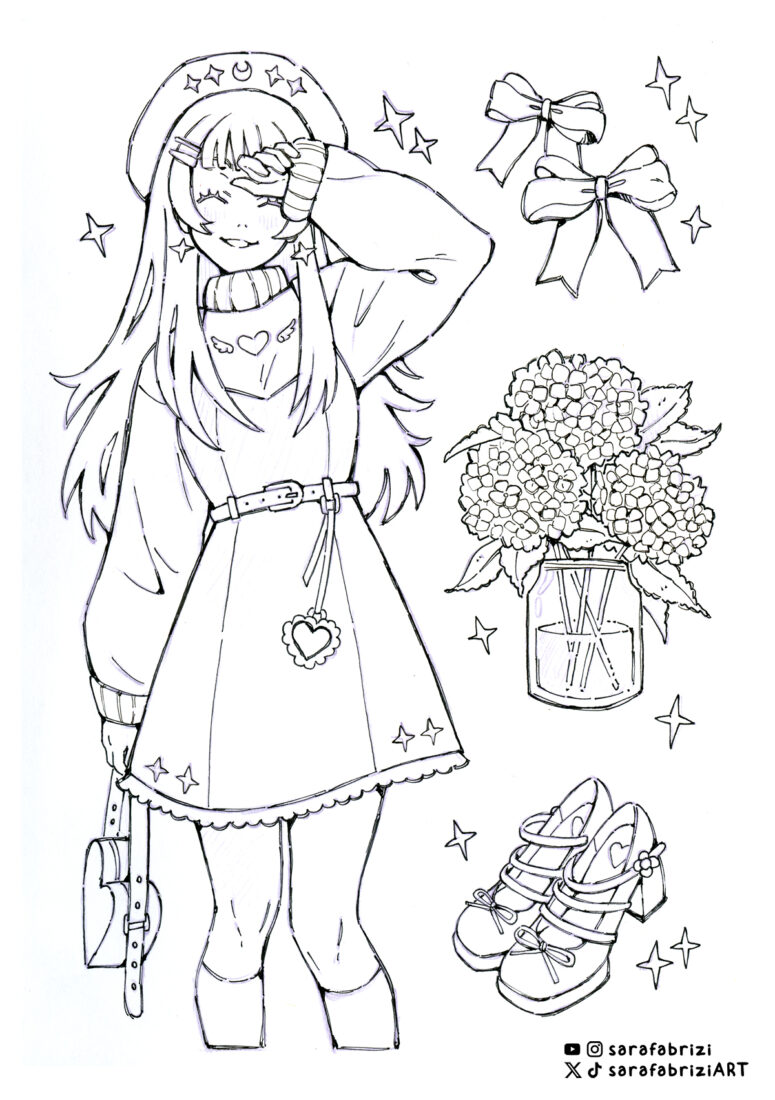
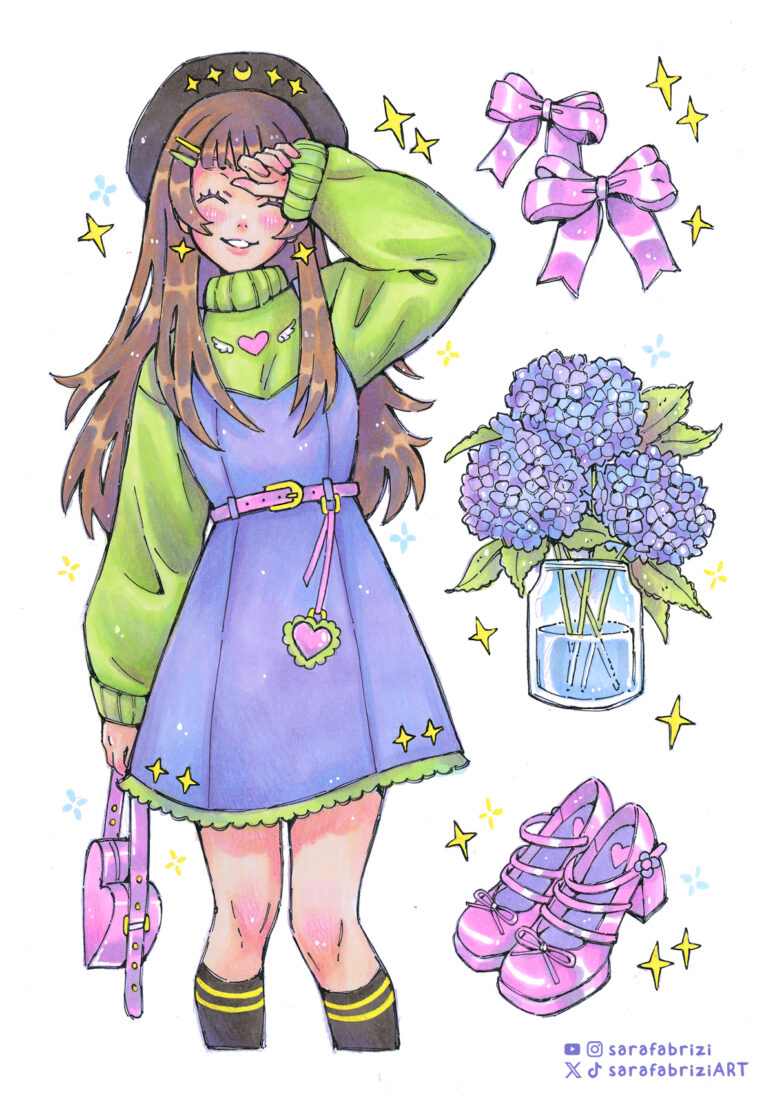
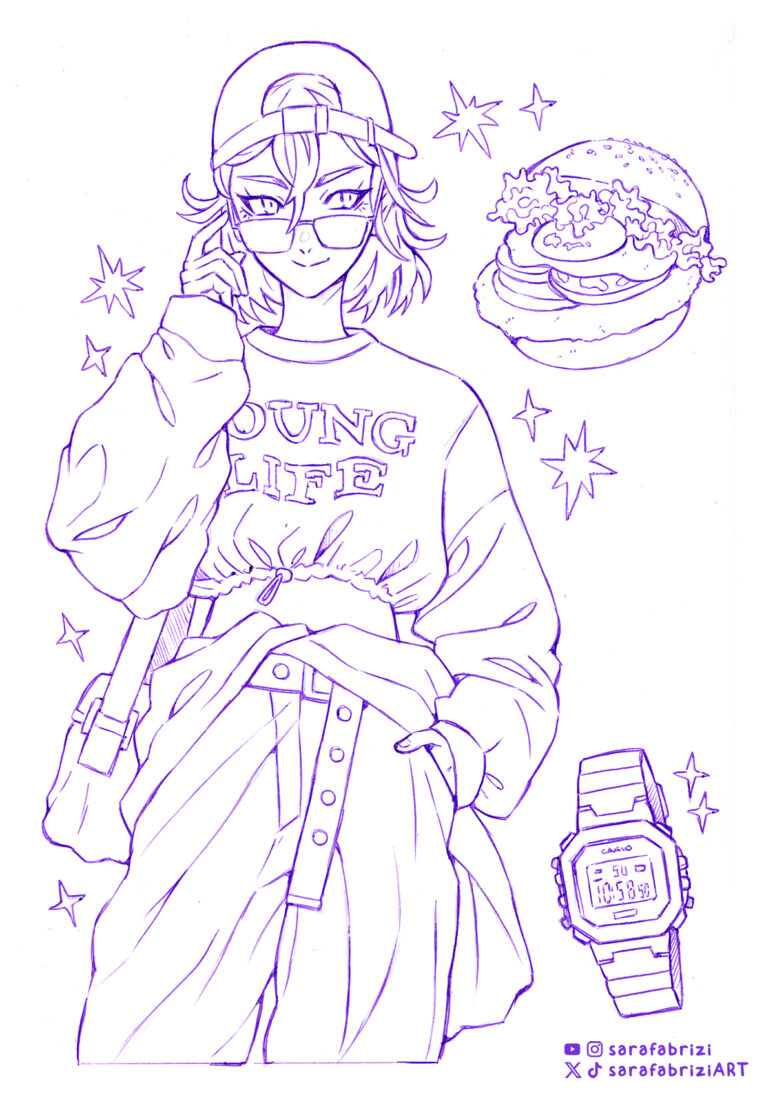
I’ve got some freebies for you to download and enjoy. This time, I’m sharing a couple of lineart drawings for you to color, along with the scans of the finished colored versions. Feel free to use the lineart to practice your coloring skills, and if you share your work on social media, don’t forget to tag me, I’d love to see what you create!
Thanks so much for reading! I hope you enjoyed this update. As always, feel free to reach out with any feedback or questions.